

Account security
Two settings live under Account and Security, and both are worth doing before you connect an advertising account to Vendlen.
Two-step verification
Section titled “Two-step verification”Two-step verification can be enabled under Account and Security. Once enabled, signing in needs your password and a code.
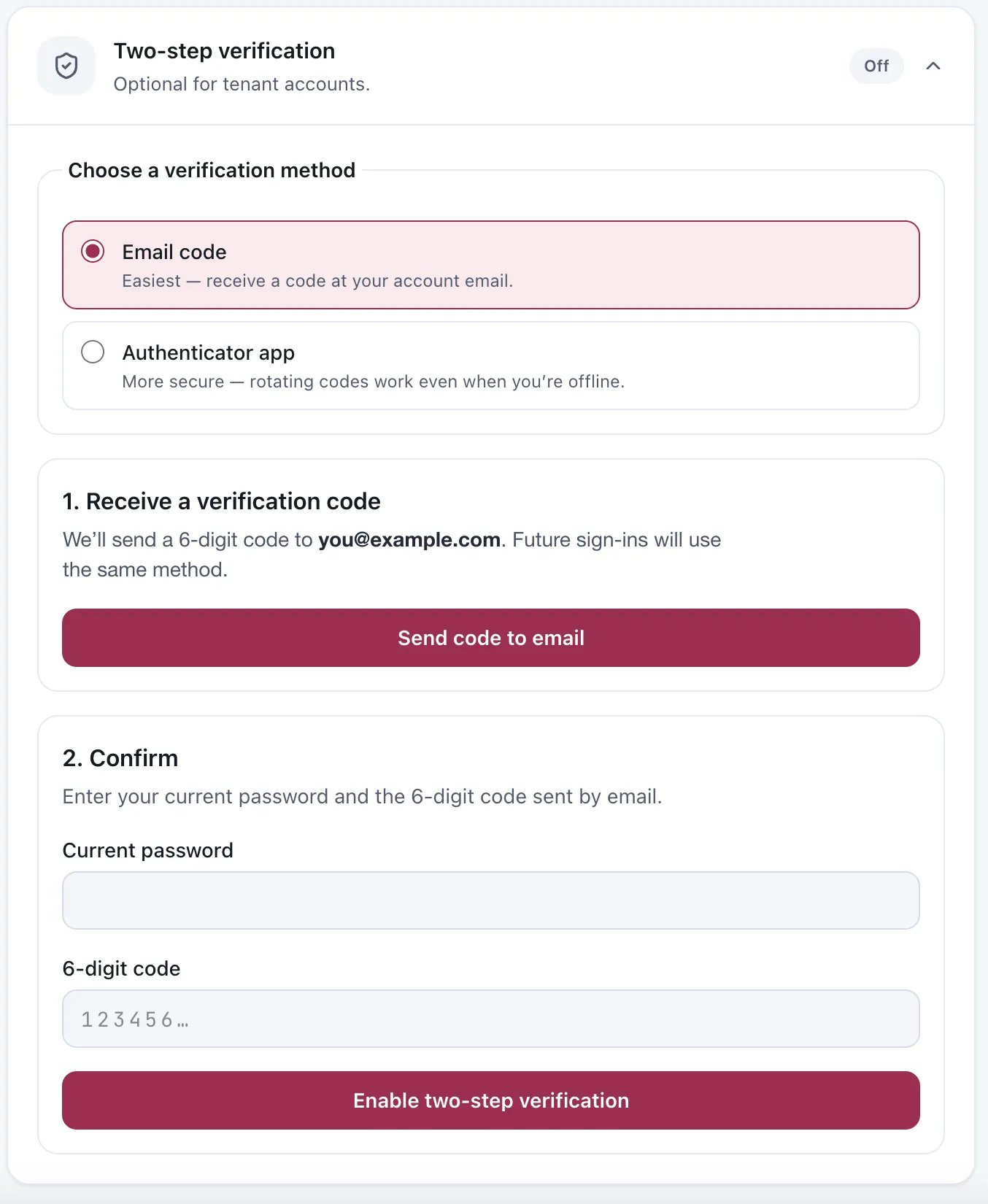
Two-step verification. The address shown is a demo replacement.
Choosing a method
Section titled “Choosing a method”| Method | Trade-off |
|---|---|
| Email code | Easiest. A six-digit code arrives at your account address |
| Authenticator app | More secure. Rotating codes that work even when you are offline |
The authenticator app is the better choice if you have one. Email codes depend on your mailbox being secure and reachable — if someone has your inbox, an emailed code protects nothing, and if you are somewhere without mail access you cannot sign in.
Turning it on
Section titled “Turning it on”- Choose Email code or Authenticator app.
- For email, Send code to email puts a six-digit code in your inbox. For an authenticator app, set it up in the app of your choice and read the code it shows.
- Enter your current password and the six-digit code, then Enable two-step verification.
Asking for the password as well as the code is deliberate: it stops someone with momentary access to an open mailbox from enabling or changing the second factor behind your back.
Future sign-ins use the same method, so pick the one you can reliably reach.
Changing your password
Section titled “Changing your password”Also under Account and Security. Changing a password requires the current one.
Worth doing if you have ever shared it, or if someone with access to the seller has left. Removing their account is the first step; see Invite team members.
Why this matters more here than elsewhere
Section titled “Why this matters more here than elsewhere”A Vendlen account can send changes to a live Amazon advertising account. Someone who reaches your sign-in does not just see your data — they can spend your money.
The permission model limits what any one person can do, but it does not help if the account being used is yours. See Roles and permissions.
Considerations
Section titled “Considerations”- Two-step verification is per user account, not per seller. Every person with access should have their own.
- Pick the method you can reliably reach. Future sign-ins use the same one.
VendlenPrivacy PolicyTerms of ServiceContact
© 2026 HELODA PTE. LTD. Not affiliated with or endorsed by Amazon.